
Appearance
Changing the conversation language
This guide shows how to set the language Joltuar uses for transcription and hints — and how to switch it mid-call, straight from the assist window, without interrupting the meeting.
Steps
1. Set the conversation language to Polish
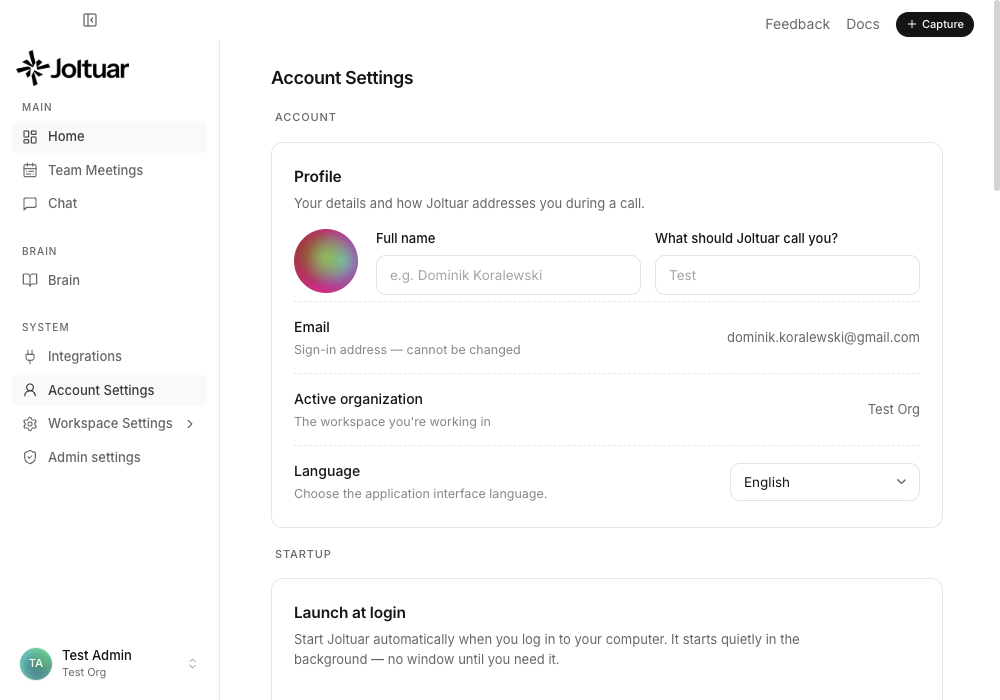
In Account Settings, under "Conversation language", pick the language Joltuar should transcribe and generate hints in for your next call.
2. The session started in Polish
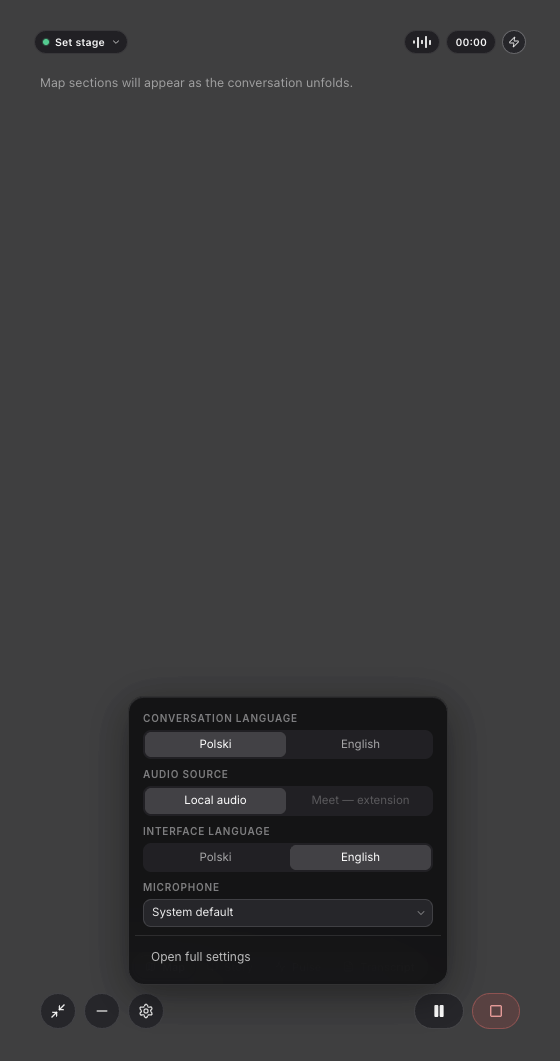
Open quick settings (the gear icon) in the assist window — "Conversation language" shows Polish, picked up from the setting above.
3. Switch the language without stopping the call
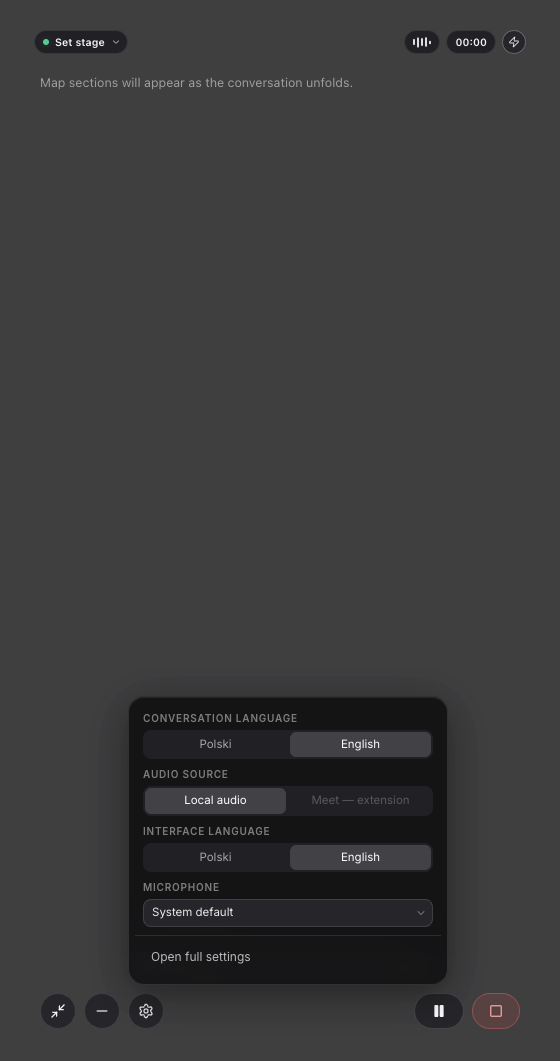
Tap English to switch mid-call — the change applies immediately, the meeting keeps going, and transcription/hints continue in the new language.