
Appearance
Switching workspace and account actions
This guide shows the workspace switcher in the bottom-left of the sidebar — where you switch workspaces, create a new one, open Integrations, Account or Workspace settings, and sign out.
Steps
1. Your account in the sidebar
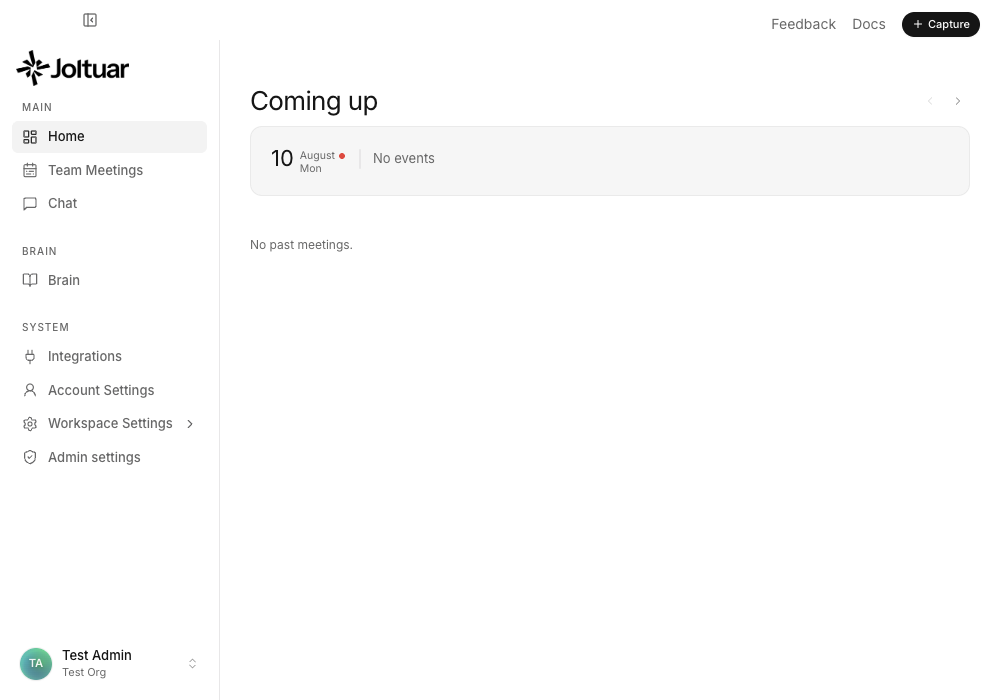
Your name and current workspace sit at the bottom-left of the sidebar.
2. Open the workspace switcher
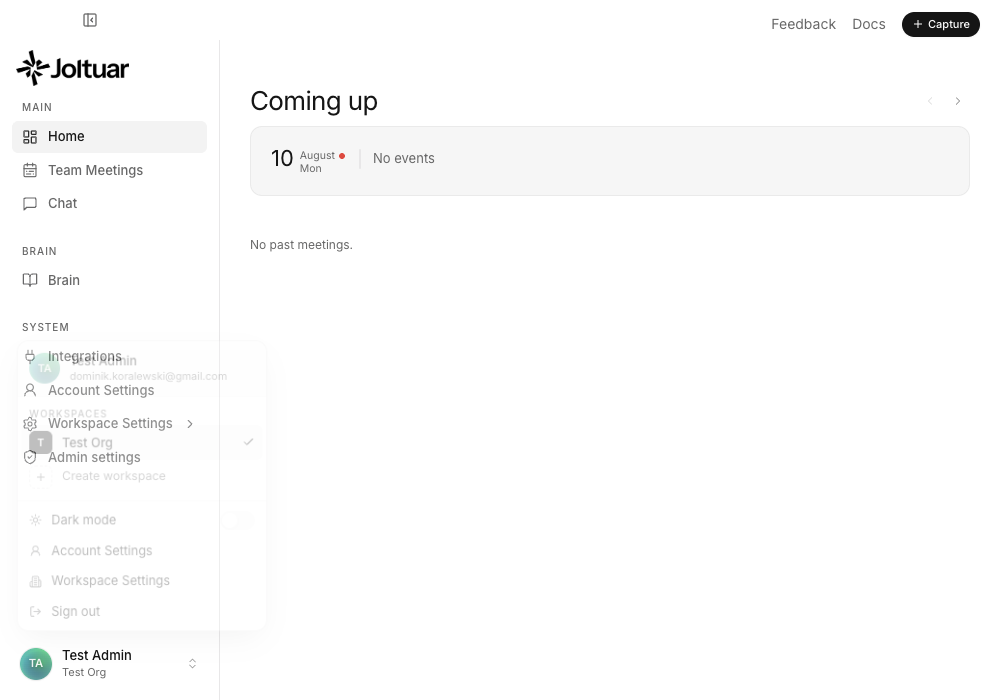
Click it to open the switcher: pick a workspace, create a new one, jump to Integrations, Account or Workspace settings, or sign out. Joltuar staff also find Admin portal here, right above Sign out.