
Appearance
Starting an assisted sales call
This guide shows how to start a call with the assistant enabled, read the live hints, and end the meeting with a summary.
Steps
1. Open the app
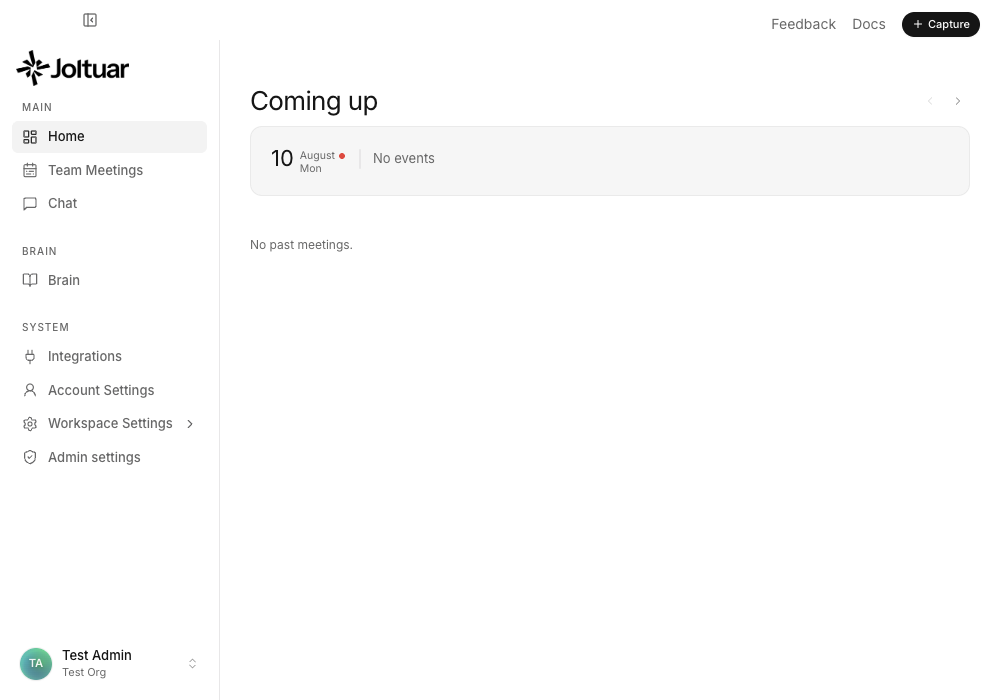
After signing in, the sidebar shows the "Assist now" action.
2. The assistant listens to the call

The compact prompter opens — the assistant starts listening.
3. Live hints
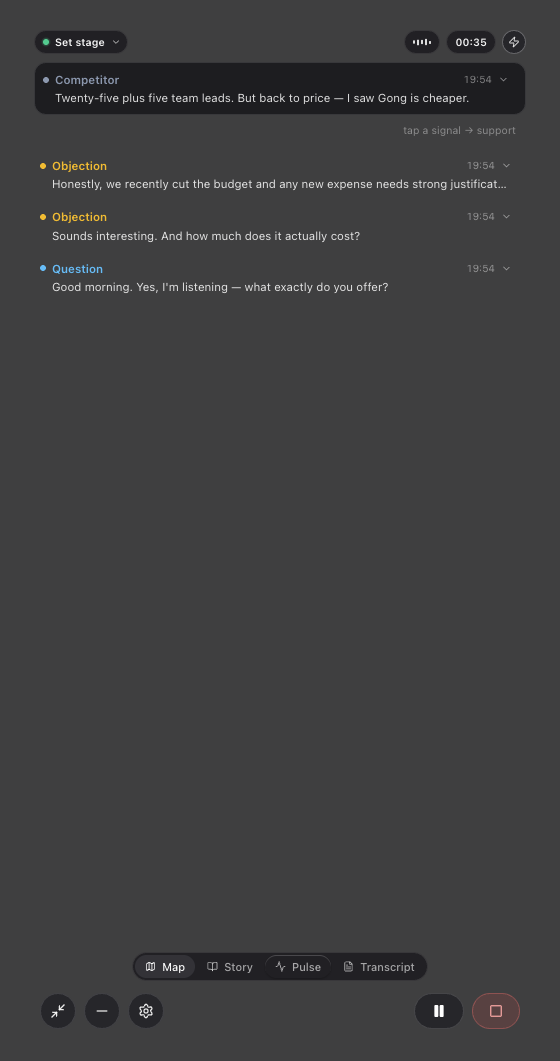
On the Pulse tab the assistant shows hints matched to the conversation context (e.g. a question about pricing or competitors).
4. Meeting summary
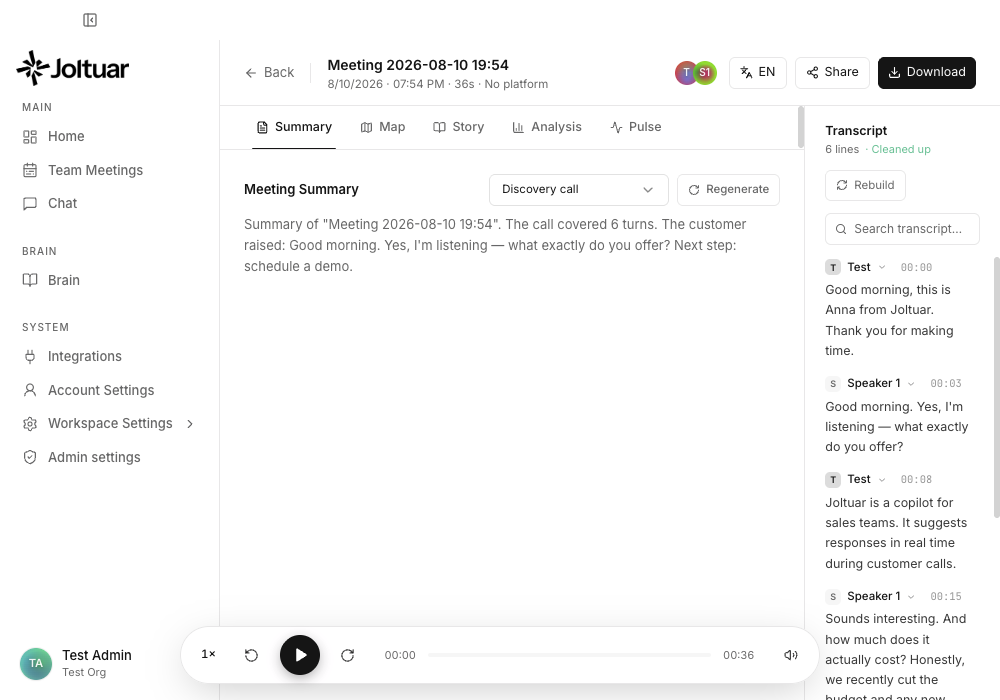
After closing the prompter you land on the meeting summary.